
Unicorn Academy Island of Magic Steam System Requirements
Official PC system requirements for Unicorn Academy: Island of Magic: Windows 10 64-bit, i5-4430 or FX-300, 8 GB RAM, GTX 660, DX11 and 8 GB storage.
The official Steam minimum specification asks for Windows 10 64-bit, an Intel Core i5-4430 or AMD FX-300, 8 GB RAM, a GTX 660 or Radeon HD 7870, DirectX 11 and 8 GB of storage. It is a modest PC target. The game also lists a Linux build. If you are comparing systems, the PS5 vs Switch guide → covers the console options.
PC requirements are one of the few areas where the Steam store page gives exact numbers rather than broad marketing language. That makes this page short but useful: you can check your machine against a real list before buying.
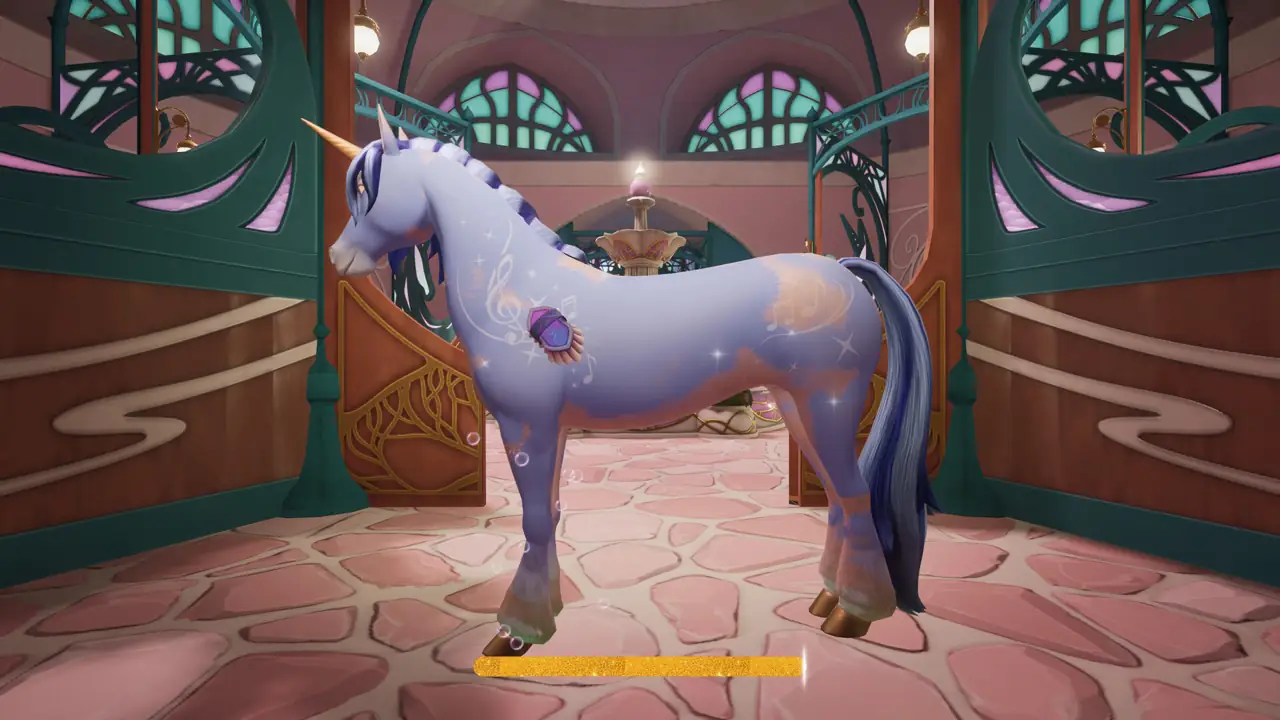
Official minimum requirements
| Component | Minimum specification |
|---|---|
| Operating system | Windows 10 64-bit |
| Processor | Intel Core i5-4430 / AMD FX-300 |
| Memory | 8 GB RAM |
| Graphics | NVIDIA GeForce GTX 660 / AMD Radeon HD 7870 |
| DirectX | Version 11 |
| Storage | 8 GB available space |
These values come directly from the Steam store page for app 4380910. They are the minimum requirements — the page does not publish a recommended specification, so this guide does not invent one.

What the spec tells you about the game
A GTX 660 / Radeon HD 7870 target and 8 GB of RAM put this well below modern AAA requirements. That fits a stylised riding and exploration game built around a large island rather than dense physics or ray tracing. The DirectX 11 requirement also rules out very old systems that only support DirectX 10 or earlier.
The 8 GB storage figure is larger than the Switch's 3.5 GB download, which suggests platform-specific compression or asset differences. Official sources do not explain the gap.
Windows and Linux
The Steam page lists both Windows and Linux builds. No macOS build is listed. If you run Linux, check the Steam client for the current build status and(driver/proton) requirements rather than assuming full support from the store listing alone.
Controller support on PC
Steam lists partial controller support with explicit DualShock and DualSense support. If you plan to play with a gamepad, verify your controller in the Steam input settings before starting. The racing guide → explains the graded events where precise control matters.
Can my laptop run it?
Compare your processor, RAM and GPU against the table above. An i5-4430 or FX-300 is an older desktop-class CPU, so many laptops from the last decade exceed it on paper. Integrated graphics are not addressed in the official minimum list — only dedicated GTX 660 and Radeon HD 7870 cards are named — so treat integrated GPUs as unverified rather than supported.
No official source publishes a frame-rate target or resolution for the minimum spec, so this guide does not promise a specific performance level.
Other PC features
The Steam listing includes Steam Achievements, Steam Cloud and Family Sharing. Our achievement guide → documents all 29 Steam achievements. Cloud saves mean your progress follows your Steam account, but no cross-platform save transfer is documented.
Official source: Unicorn Academy: Island of Magic on Steam ↗. Official source: Nintendo eShop listing ↗ and Mindscape game page ↗.
FAQ
What is the minimum RAM? 8 GB.
Which graphics card do I need? At least a GTX 660 or Radeon HD 7870, according to Steam.
Is DirectX 12 required? No. DirectX 11 is listed.
How much storage does the PC version need? 8 GB available space.
Is there a macOS version? No macOS build is listed on the Steam page.
Is there a recommended spec? Not published. Only the minimum specification is available.
Next steps
If your machine passes, read the beginner guide → for the first session, then use the tips and tricks guide → to plan completion.